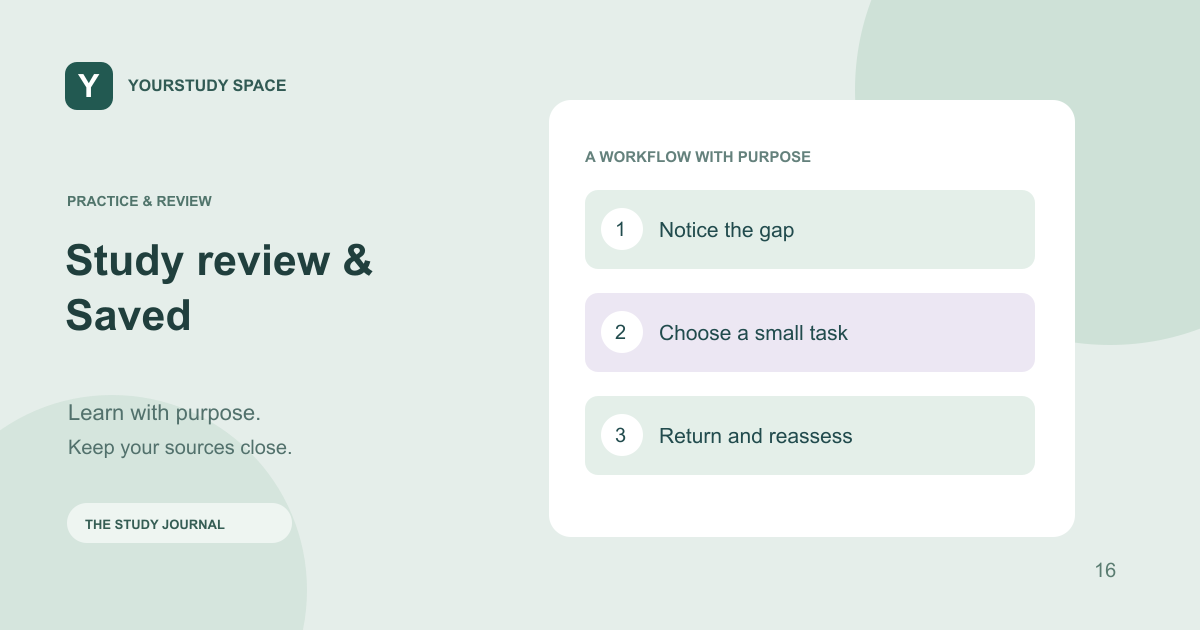
Practice & review / Study review & Saved
Use Study review and Saved to plan a short study session
Revisit due flashcards, uncertain topics and existing study material without rebuilding everything you have already made.
Begin with what is already available
A new study session does not have to start with a new generation. Study review brings together due material and topic signals from your activity. Saved helps you return to previous work. First look for a useful set, explanation or conversation that already addresses the question you have.
If you have only ten minutes, choose one small task: review a few due cards, revisit one missed distinction or explain one diagram from memory. Avoid spending the whole session choosing among formats or generating more content than you can inspect.
Use the signals as prompts
The study profile can show topics that are not holding yet, developing or ready to revisit. These signals come from app activity and recorded responses. They do not measure your complete knowledge, and they do not know every class, placement or examination requirement.
A topic can appear weak because you have only attempted a small amount of material. Conversely, getting a few questions right does not prove that you can manage an unfamiliar case. Use the signal to choose a question to investigate rather than as a label for your ability.
Review actively and check the source
Try to answer before revealing a flashcard or explanation. If you miss it, identify the exact distinction that was unclear. Then return to the source or saved explanation for that point. Repeatedly reading the answer is a different activity from producing it yourself.
Keep an eye on source dates and context when you reopen older material. A saved generation preserves what was prepared at the time; it is not a promise that clinical guidance has stayed unchanged. Use a current public-source search when currency matters.
End with a manageable next step
Choose one thing to return to later and leave the rest for another session. Account preferences can help keep your role and presentation settings consistent. If a tracked topic is no longer useful, use the available profile controls rather than deleting unrelated Library documents.
TRY THIS NEXT
Reopen, attempt, check and reflect before you generate another set.
Try it in the app ↗Sign-in and an active trial or membership are required for study tools.About this guide
This product guide was prepared with AI assistance and checked against the app’s implemented workflows. It is not independently clinically reviewed. Features and service availability can change. It contains no real patient information.
For study support only. Review generated content and its sources; do not use it for real-patient diagnosis or treatment. Read the study and AI disclaimer.
Found something that needs correcting? Contact the YourStudy Space team.