Start here / Settings & privacy
Use AI study tools with clear privacy and evidence boundaries
Know what to upload, what to verify and where to find AI consent, privacy, deletion and support information.
Bring study content, not patient records
YourStudy Space is for educational support and fictional clinical simulation. Do not upload identifiable patient records, recordings of real clinical encounters or other information you are not authorized to share. Removing a name alone may not remove identifying details from a narrative or screenshot.
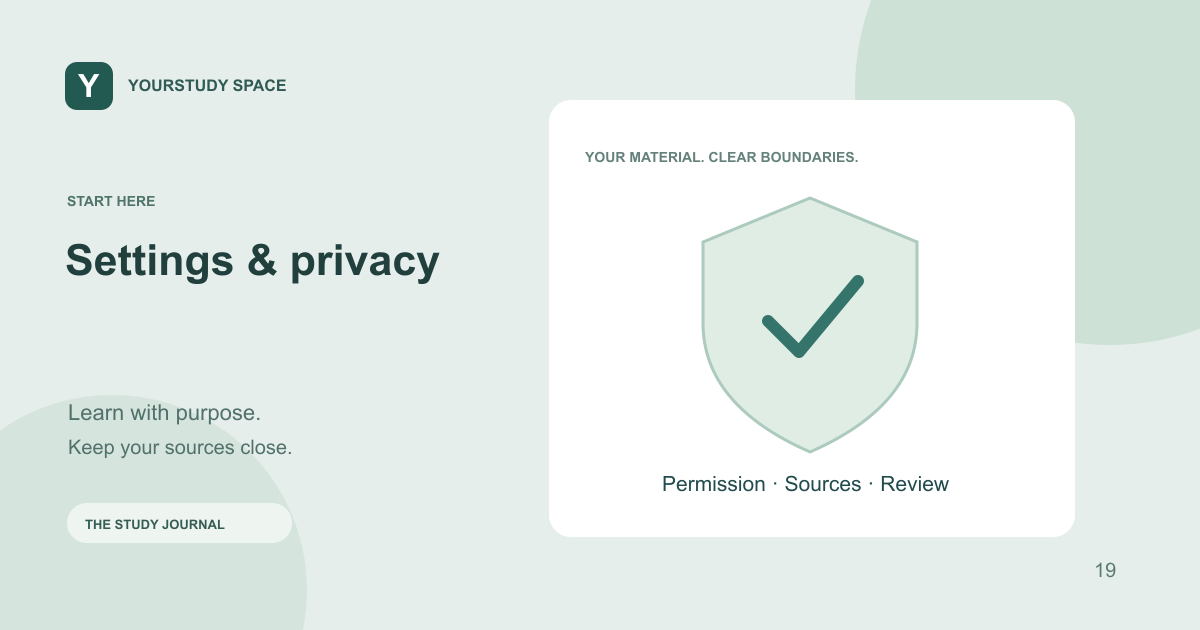
Before uploading a lecture or recording, check the relevant permission and course rules. Copyright, recording permission and academic-integrity rules still apply when an AI tool is involved. A file being technically accepted does not establish that you have permission to process it.
Read the AI disclosure before using it
AI-assisted features can send relevant prompts and selected source content to configured third-party services. The app provides consent and disclosure information, and its privacy policy describes processing and service providers. Read the current in-app notice rather than assuming a study file stays only on your device.
YourStudy Space is operated by AssignMe LLC. Tunza AI is the in-app assistant’s name. The name does not mean the app runs every language model locally. If a feature’s processing details matter to your institution, check the current policy and ask support before uploading the material.
Verify the output that matters
Check citations, source excerpts, numbers and qualifications. Retrieved evidence can be incomplete, and an AI response can misread an accurate passage. Do not treat a diagram, spoken podcast or polished note as more reliable merely because it is easy to follow.
Keep uncertainty visible. If support is missing, return to the source or ask a qualified instructor. The app is not intended for medical advice, diagnosis, prescribing or unsupervised patient care. Simulation performance is not a clinical credential.
Use the account controls and support routes
Account settings brings together preferences, membership and available privacy controls. AI reporting is available through settings. The public privacy, terms, study disclaimer, subscription and data-deletion pages remain accessible without signing in.
For account, privacy or study-content questions, contact assignme@assign.health. Include enough context to identify the issue, but do not send passwords, sign-in codes, private keys or identifiable patient information. Reporting a questionable source or scenario helps identify the specific item that needs review.
TRY THIS NEXT
Check permission before upload, check the disclosure before processing, and check the source before relying on an answer.
Try it in the app ↗Sign-in and an active trial or membership are required for study tools.About this guide
This product guide was prepared with AI assistance and checked against the app’s implemented workflows. It is not independently clinically reviewed. Features and service availability can change. It contains no real patient information.
For study support only. Review generated content and its sources; do not use it for real-patient diagnosis or treatment. Read the study and AI disclaimer.
Found something that needs correcting? Contact the YourStudy Space team.