Audio & documents / Study podcasts
Turn lecture material into a two-host study podcast
A practical workflow for selecting Library documents, choosing a podcast format and checking the transcript while you listen.
Prepare the source before the audio
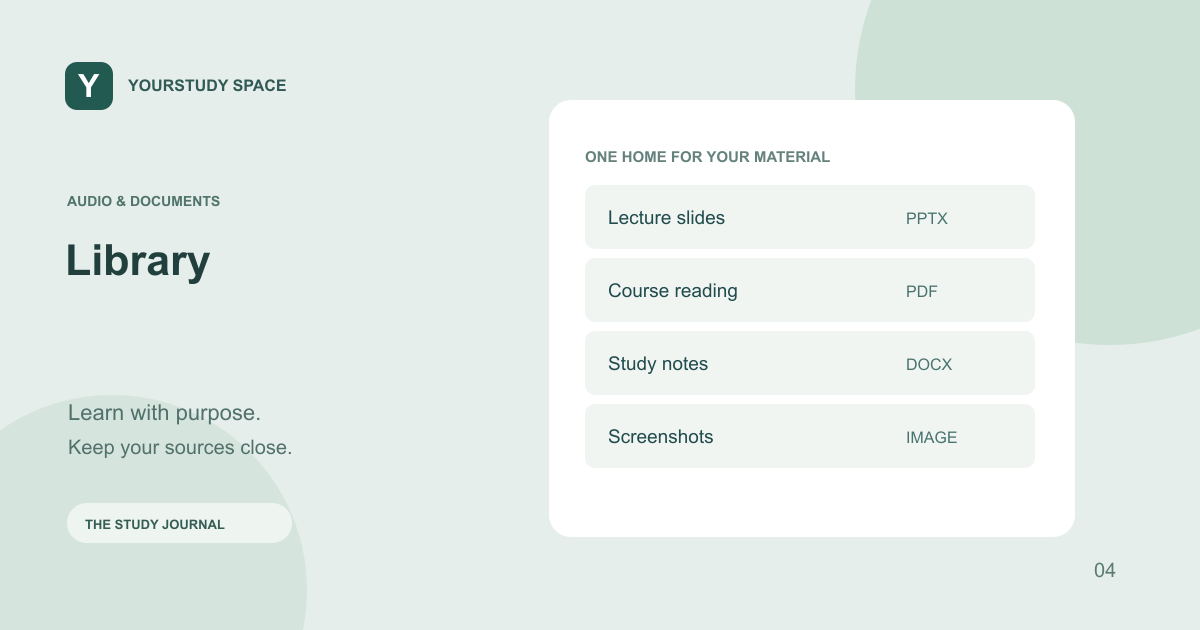
A useful study podcast begins with readable source material. Add your slides, PDF or notes to Library first, then check that extraction has finished and the text represents the document. A slide full of arrows, a scanned table or a handwritten margin note may need closer inspection than a page of ordinary text.
Choose the relevant Library material in Study podcasts instead of uploading a second copy. If you select several documents, make sure they belong to the same learning task. Mixing an old lecture with a newer handout can introduce disagreements that a smooth conversation will not necessarily make obvious.
Choose between explanation and closer reading
A conversational treatment reorganizes source passages into an exchange between two fictional AI hosts. It can be useful when you want to hear questions and explanations around the material. A faithful lecture-reading approach stays closer to the source wording while retaining two speakers. Neither format turns an incomplete extraction into a complete lecture.
Before relying on a long recording, compare the transcript with the sections you expected to hear. Check headings, definitions and numerical details. If a slide was image-only or the source was too large for one generated item, do not assume that listening to the end means you covered everything in the original.
Guided study reading offers another option: source reading with recall checks between sections. Try answering during the pause, then compare your answer with the document-based response. As with faithful reading, the available extracted text sets the coverage; a recall prompt cannot recover a missing slide.
Listen with a job to do
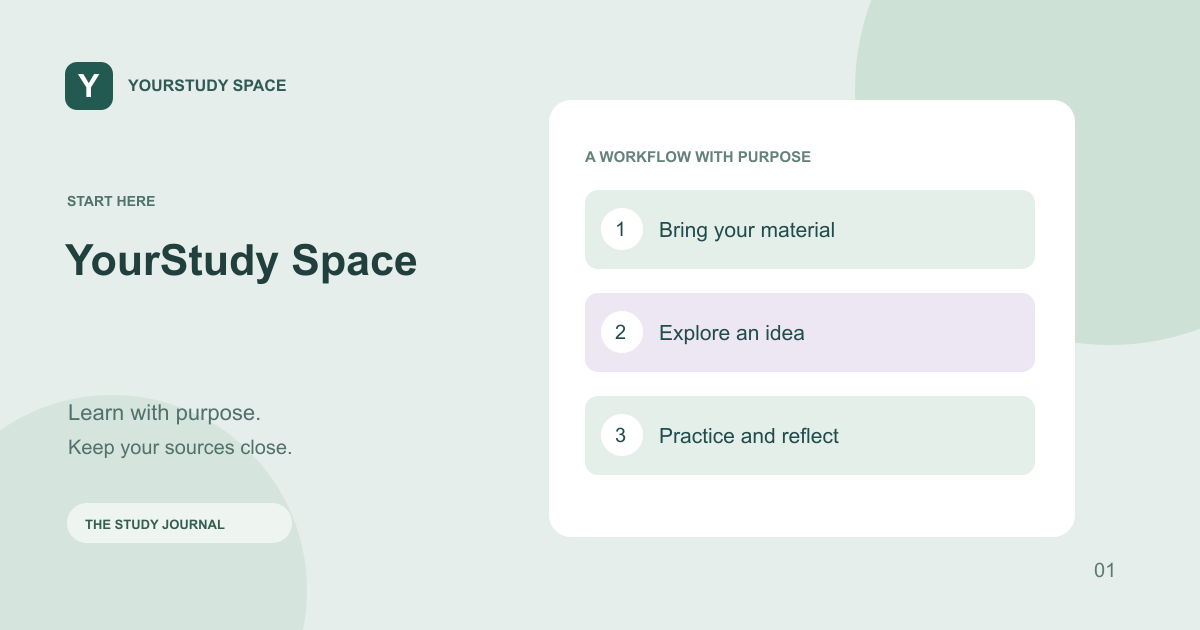
Pick two or three questions before pressing play. Pause when a host makes a distinction you cannot explain yourself. Use the transcript to locate the passage, return to the source and make a short note in your own words. This gives your listening session a concrete purpose.
Saved podcasts are meant to be replayed in the app. Use the player controls to revisit a segment rather than generating the same material again. Audio preparation depends on document length and the available voice service; it is separate from writing the script.
Respect the material and its limits
Use lectures and notes you are allowed to process. Confirm the material-use consent when prompted. Fictional hosts are not the lecturer, and their wording is not an endorsement by the course or institution. Clinical statements in an uploaded lecture are course material, not independently verified guidance.
TRY THIS NEXT
Listen, pause, explain the point yourself, and check it against the document.
Try it in the app ↗Sign-in and an active trial or membership are required for study tools.About this guide
This product guide was prepared with AI assistance and checked against the app’s implemented workflows. It is not independently clinically reviewed. Features and service availability can change. It contains no real patient information.
For study support only. Review generated content and its sources; do not use it for real-patient diagnosis or treatment. Read the study and AI disclaimer.
Found something that needs correcting? Contact the YourStudy Space team.