Audio & documents / Lecture recordings
Record a lecture and keep it in your Library
Plan a permission-aware recording workflow, test your microphone and keep lecture audio organized for later listening.
Get permission before recording
Before a lecture or teaching session, check the instructor’s and institution’s recording rules. Permission to attend does not automatically mean permission to record or upload the session. Do not record real patient conversations, identifiable clinical discussions or classmates who have not agreed to be recorded.
Give the recording a useful name: course, topic and date usually work better than “Recording 7.” Decide what you intend to revisit. A lecture recording is a reference you can return to, not proof that every spoken point has been converted into searchable study text.
Test the actual device
Open the Library recording tool and allow microphone access if prompted. Make a short test and play it back before relying on a full session. A permission switch can be on while the wrong microphone, a headset or the operating system still prevents usable audio.
Keep the app available while recording and watch the recording indicator. Phone calls, device locks, app switching and low storage can affect a session depending on the device. Confirm the saved item is present and audible before leaving the page or discarding another copy you were permitted to keep.
Keep audio and study documents together
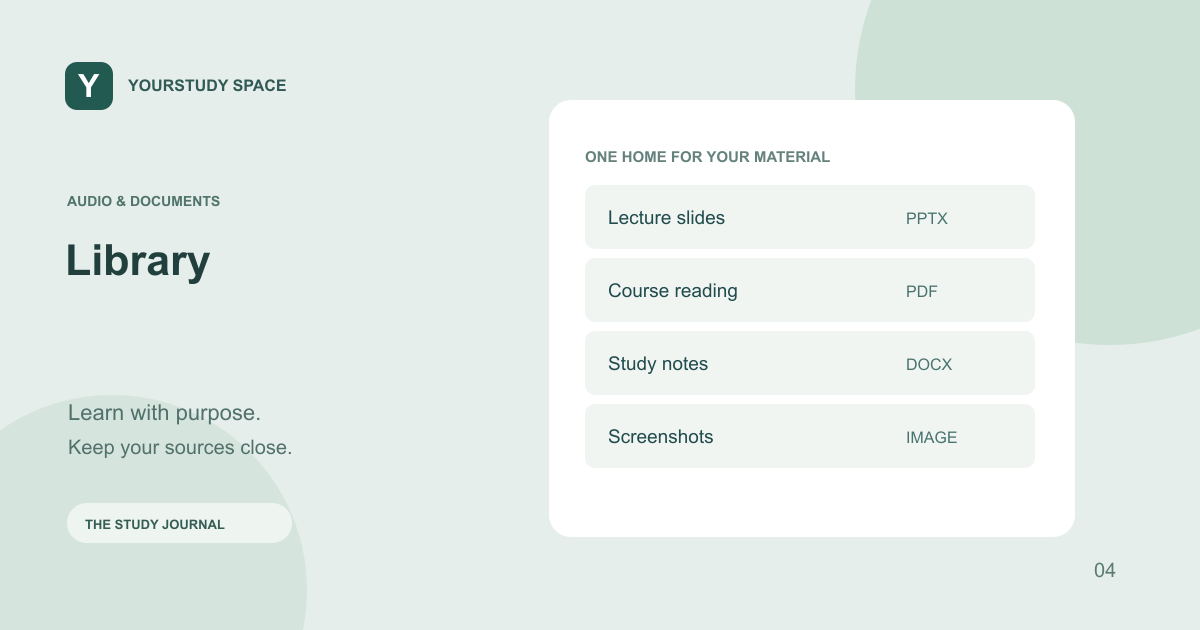
Library is the home for recorded lectures and uploaded study documents. The compact recording list shows a current item and lets you reveal more recordings, so older sessions do not take over the screen. Use descriptive names to distinguish an original recording from an AI-generated study podcast.
A recording preserves the session as captured. A study podcast is a separately prepared conversation based on readable source material. If you want to generate a podcast, verify that the selected Library source has readable text; do not assume that a playable audio file has already been fully transcribed.
Make the second listen selective
Write down the part you want to understand before replaying the recording. After listening, compare the explanation with the lecture slides and identify any remaining question for Ask or Explain. Avoid creating duplicate recordings merely because you cannot immediately remember which file contains the section.
TRY THIS NEXT
Make a short microphone test first, and confirm the recording saved before you leave.
Try it in the app ↗Sign-in and an active trial or membership are required for study tools.About this guide
This product guide was prepared with AI assistance and checked against the app’s implemented workflows. It is not independently clinically reviewed. Features and service availability can change. It contains no real patient information.
For study support only. Review generated content and its sources; do not use it for real-patient diagnosis or treatment. Read the study and AI disclaimer.
Found something that needs correcting? Contact the YourStudy Space team.