Clinical practice / My Clinical Day
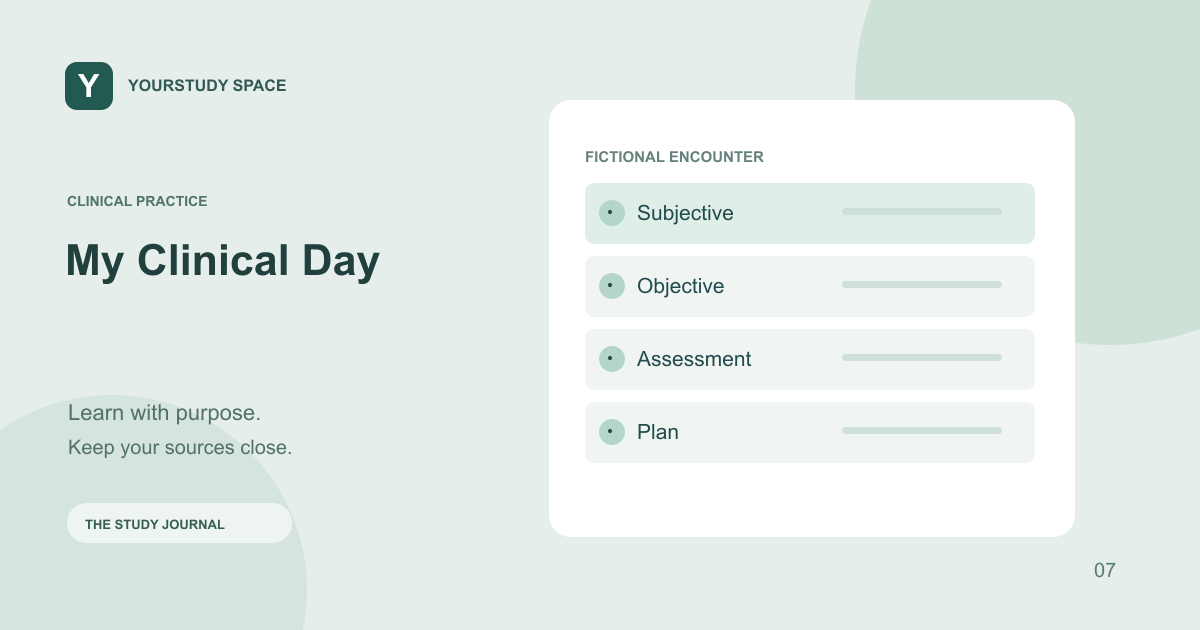
Work through a fictional patient encounter in My Clinical Day
Use the patient list, chart, interview, orders, live note and debrief as a connected clinical reasoning exercise.
Start with a task, not a tour of the chart
My Clinical Day provides fictional encounters in an EHR-style workspace. Choose your study role and specialty, then select a patient. Read the opening brief to understand the background and what you are being asked to do. The brief should orient you without giving away the management plan.
Before opening every tab, name the uncertainty you need to resolve. Is the patient stable? What information is missing? Which concern needs prompt attention? This turns chart review into an investigation rather than a sequence of clicks.
Connect history with observed findings
Review the available history, medications, allergies, observations and results. Interview the simulated patient to clarify the presentation. Patient dialogue is one part of the encounter; it should not replace checking the chart or noticing an abnormal result.
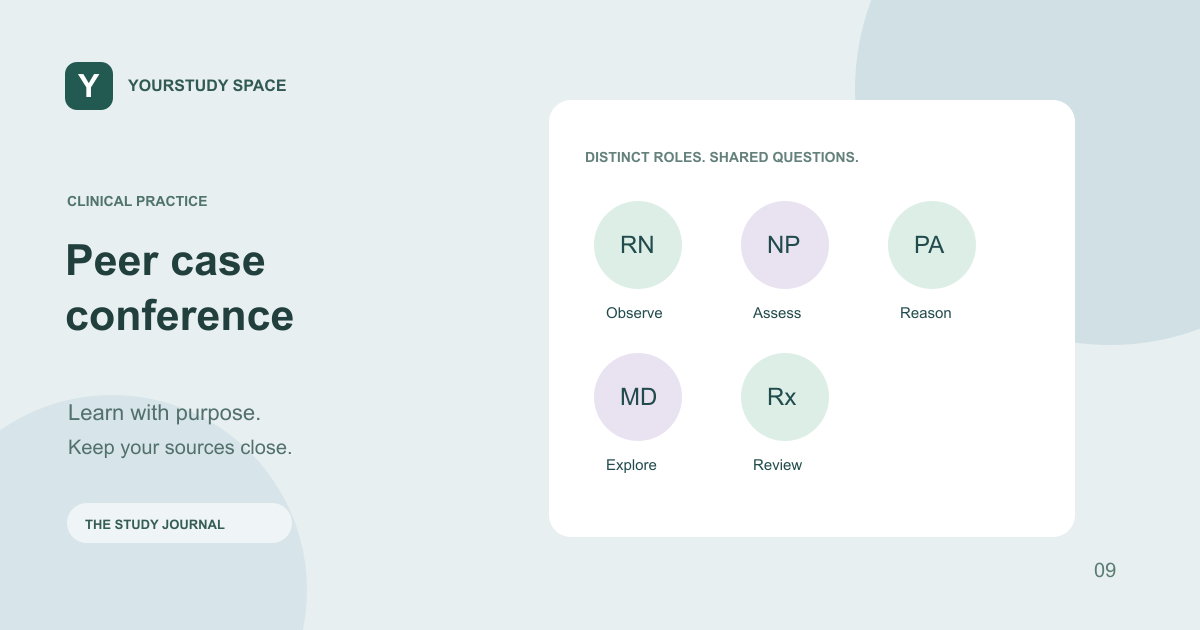
Work within your learning role. A nursing student, pharmacy student and medical student can notice the same finding while having different responsibilities for assessment, medication review, escalation and documentation. The simulator is a rehearsal space, not authorization to work beyond your real scope.
Act, then reassess
Use the encounter’s supported assessments, orders and treatment actions. Check whether an order is pending or has returned a result, and revisit the patient’s state after an intervention. Ordering a test and interpreting its result are separate decisions.
The encounter clock creates a bounded practice session. If you need more time, use the available extension control rather than leaving a running encounter unattended. Simulated responses depend on the authored case and supported actions; the app does not model every possible physiological consequence.
Close the loop with documentation
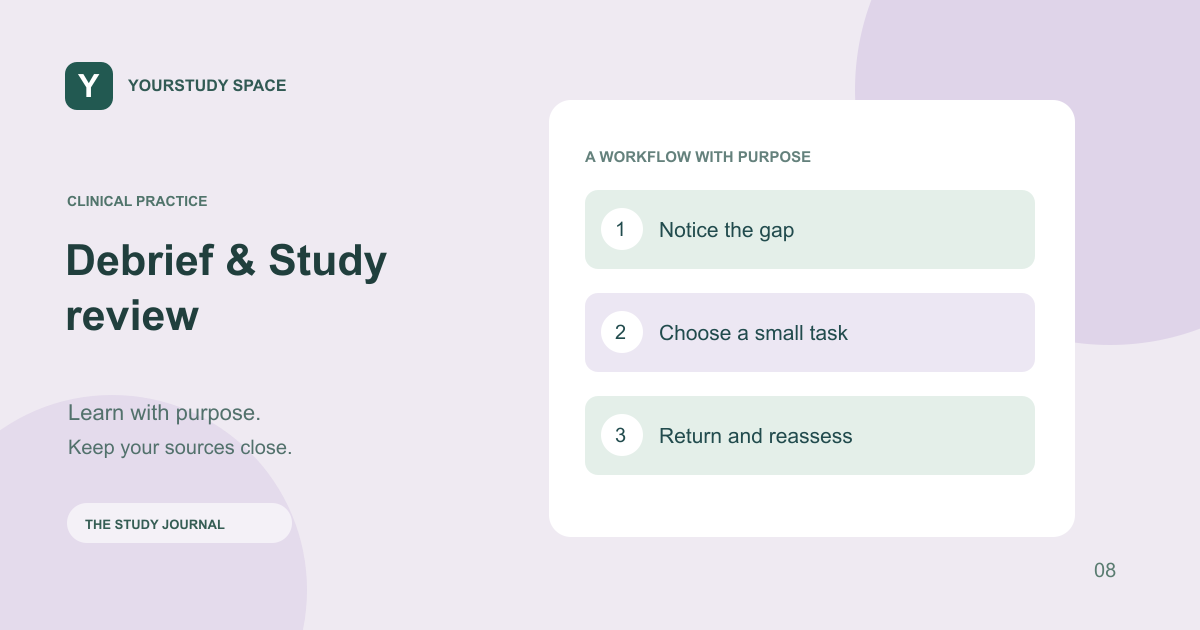
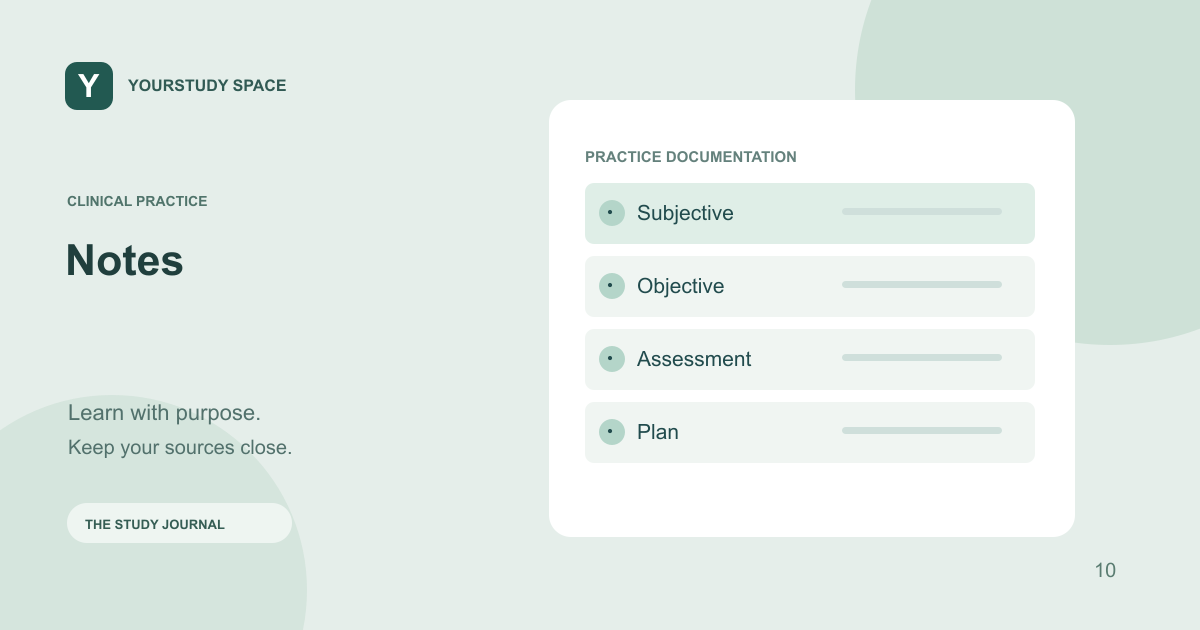
Review the live note before signing off. Check that the history, measured findings, assessment and plan reflect what actually happened in the simulation. Then use the debrief to identify one missed cue, one useful action and one change you would make on a repeat attempt. Completion is the beginning of review, not a claim of clinical competence.
TRY THIS NEXT
For each action, ask: what information did this give me, and what should change because of it?
Try it in the app ↗Sign-in and an active trial or membership are required for study tools.About this guide
This product guide was prepared with AI assistance and checked against the app’s implemented workflows. It is not independently clinically reviewed. Features and service availability can change. It contains no real patient information.
For study support only. Review generated content and its sources; do not use it for real-patient diagnosis or treatment. Read the study and AI disclaimer.
Found something that needs correcting? Contact the YourStudy Space team.