Clinical practice / Notes
Practice SOAP documentation with Tunza AI Notes
Draft a practice note from typed or dictated encounter content, keep ROS in Subjective and review every section before sign-off.
Give the scribe encounter facts
Notes helps turn typed or dictated encounter information into a structured practice draft. State the setting and the kind of note you need, then provide the observations and history you actually have. The app supports several note styles, including SOAP and H&P workflows.
Use fictional or appropriately de-identified educational content. YourStudy Space is not a real patient record or an approved clinical documentation system. Do not treat a polished note as evidence that every sentence came from the encounter.
Keep the SOAP boundaries clear
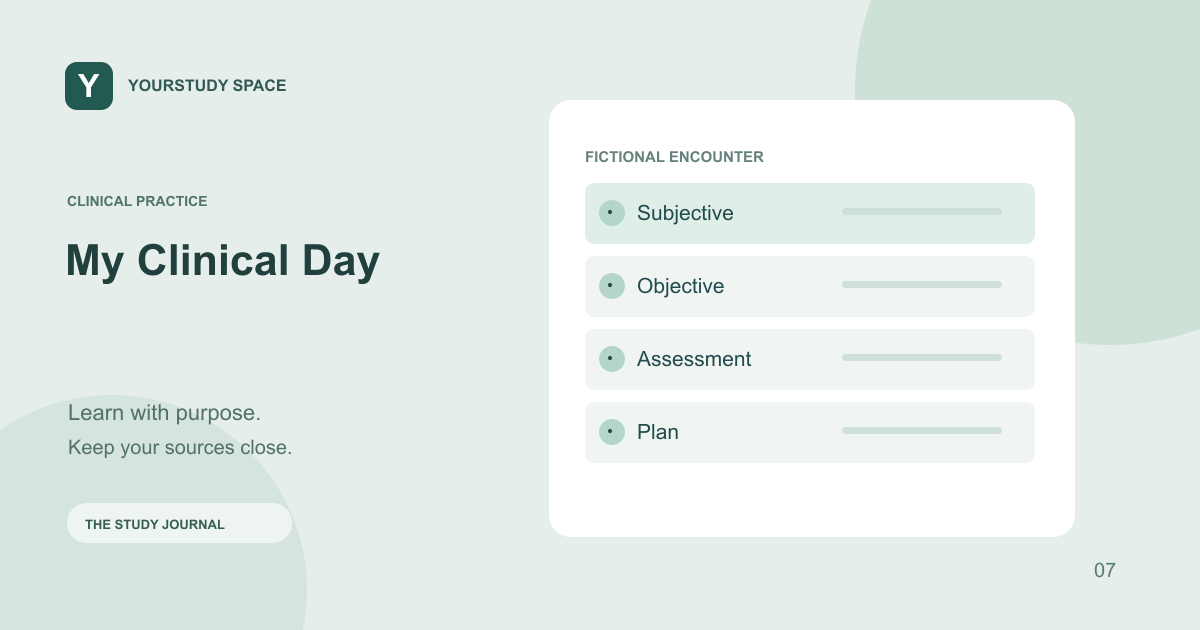
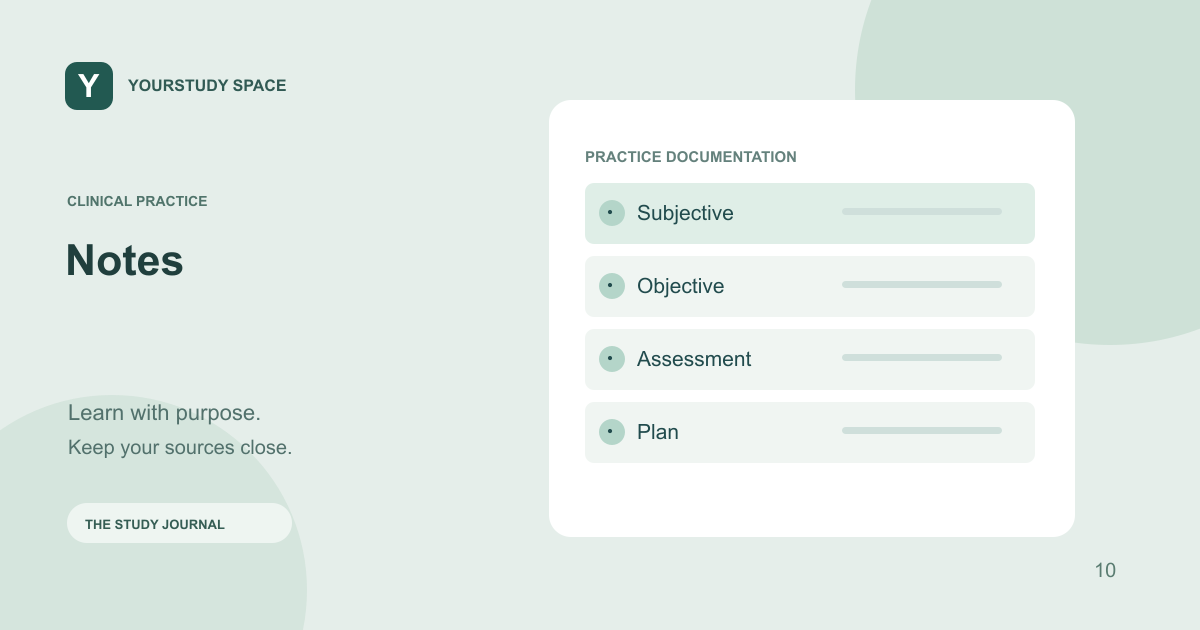
Subjective contains the patient-reported history and symptoms. In this app’s SOAP organization, the review of systems belongs at the end of Subjective. Objective is for observed or measured findings, such as an examination finding or a reported test result that was actually supplied.
Assessment should capture the learner’s interpretation rather than becoming a container for the whole transcript. Plan should reflect the proposed or completed next steps. If a detail is absent, the draft should not invent a normal finding, a negative symptom or a completed action to make the note look finished.
Review suggestions separately
The note draft and optional differential or treatment suggestions serve different purposes. A source-supported suggestion is something to assess, not an encounter fact. Read the support and decide whether the suggestion belongs in your educational plan before inserting it.
When practicing ambient documentation in a simulation, compare the live note with the actions and dialogue. Make sure a proposed order is not documented as administered treatment and that a test you requested is not described as a completed result before it returns.
Make review part of the exercise
Read the draft in order. Check attribution, timing, relevant negatives and consistency between Assessment and Plan. Correct speech-recognition errors, especially numbers and medication names. Save the practice note when it accurately represents the exercise, and use deletion controls when it is no longer needed.
TRY THIS NEXT
A draft is a starting point. Verify facts, section placement and action status before signing off a simulation.
Try it in the app ↗Sign-in and an active trial or membership are required for study tools.About this guide
This product guide was prepared with AI assistance and checked against the app’s implemented workflows. It is not independently clinically reviewed. Features and service availability can change. It contains no real patient information.
For study support only. Review generated content and its sources; do not use it for real-patient diagnosis or treatment. Read the study and AI disclaimer.
Found something that needs correcting? Contact the YourStudy Space team.